
Flight Tactics is very excited to announce the release of TAK Aware 1.7 to the Apple App Store! The full change log is below, but some key highlights include:
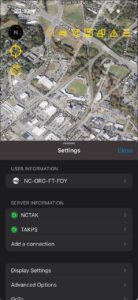
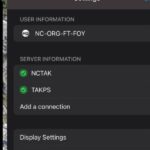
Support for multiple server connections is now a native part of TAK Aware! You can add and manage your favorite servers, with coming increased support for SitX servers.
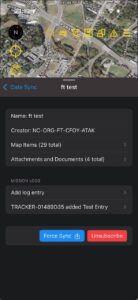
User log support in Data Sync missions, including text, attachments and hashtags
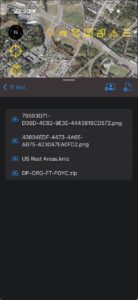
Support for adding attachments and images directly to Data Sync missions
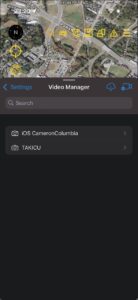
A Video Manager component allowing users to download Video URLs from the server as well as add custom URLs for viewing in the app
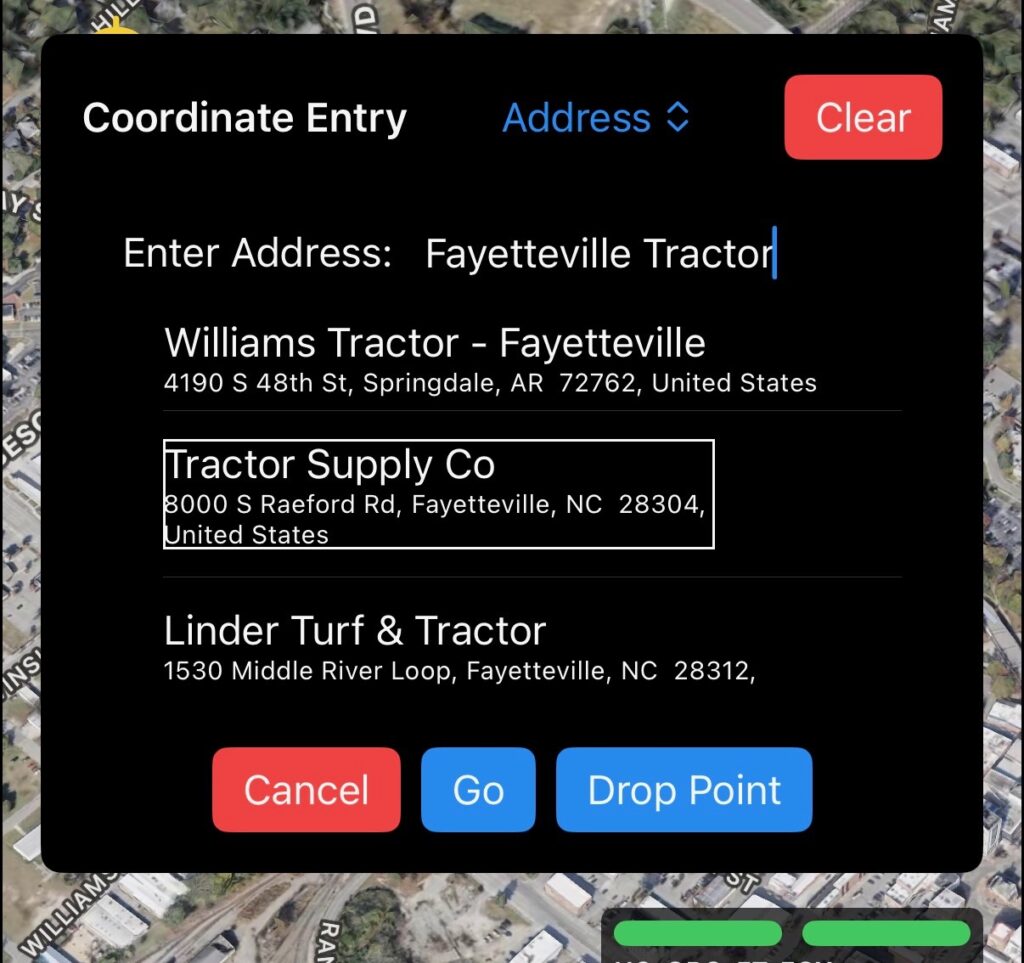
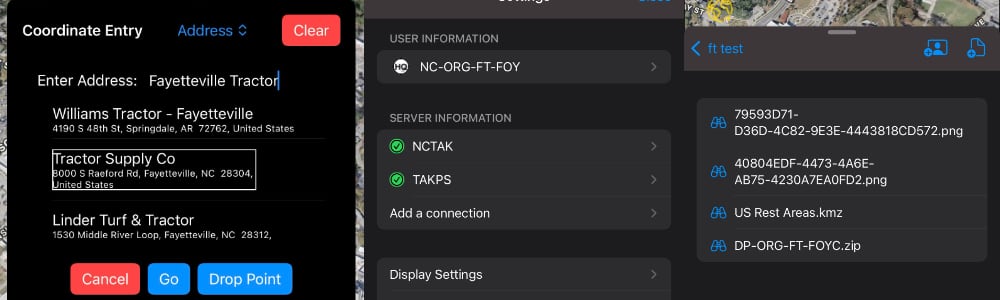
Coordinate Entry for points – as well as a GoTo menu option – are now fully supported, including Address selection. You can even drop a point from the GoTo menu screen on a specific address or point
As always, if you have any issues, please reach out to us as support@flighttactics.com and we’ll respond as quickly as we can. Lots of exciting things coming in the pipeline, so don’t hesitate to reach out.
TAK Aware 1.7 Change Log
- Features
- Multi Server support
- Renames “Situational Awareness” to “Display Settings”
- Allows autoenrollment using QR codes scanned outside of the app
- Supports files (zip, kml, kmz, pdf) being “sent” to the app from iOS Share Sheets
- Option to hide clustered labels at varying levels
- Supports an app-wide setting for imperial vs metric and other coordinate entry types
- Sets the default label type to be scrolling rather than truncate (this can be toggled in the Display Settings menu)
- Adds in a Video Manager
- Allows coordinates to be edited using whatever entry method the user chooses, defaulting to their preferred method
- Adds in a “GoTo” menu option and button
- Supports Sensor Points of Interest by drawing a line from the SPoI to its parent marker
- Adds in the ability to write CoT messages to the Debug Log
- Automatically processes inbound file transfer requests
- Maps clientIds / client endpoints to allow friendly name showing of data packages and data sync mission creators
- Improved onboarding flow
- Bug Fixes
- Fixes issue where spot maps weren’t sending the correct info to ATAK
- Fixes issue where users could close the Point Dropper or Drawing Tools sheet while the actions were active
- Improved handling of connections and disconnects to the TAK Server to reduce “ghost connections”
- Cleans up the allowed user actions on KML-based shapes and markers
- Fixes a custom iconset bug where images with similar names might get the wrong icon associated to them
- Fixes to KMZ Image Overlay when invalid quad coordinates are present in the KMZ
- Improved handling of large KMZ image overlays to prevent the app from being closed by iOS
- Fixes issue where certain accessibility options would cause the nav bar to expand off the window
- Fixes issue with QR code scanning when a user has not yet given authorization to use the camera